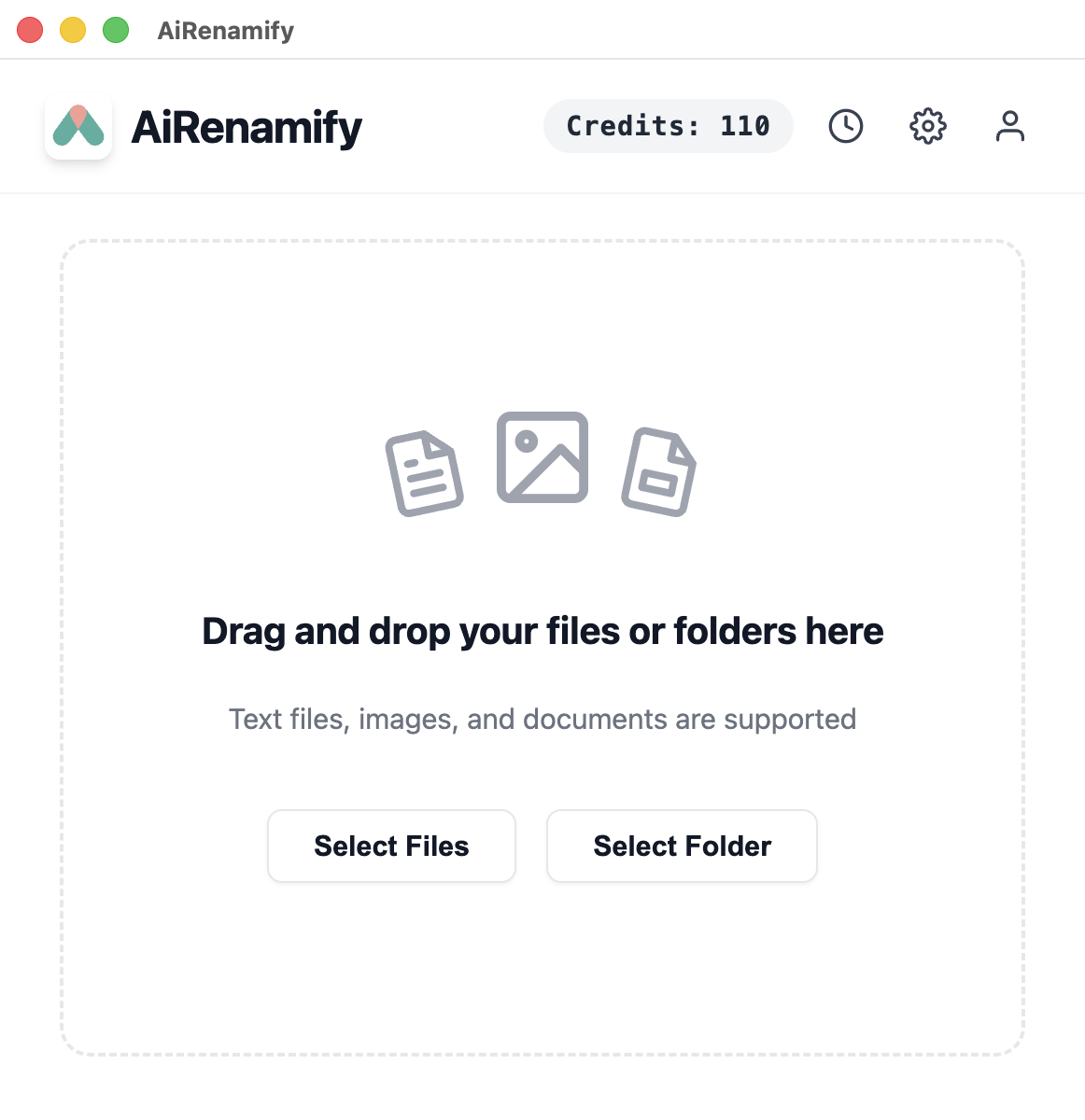
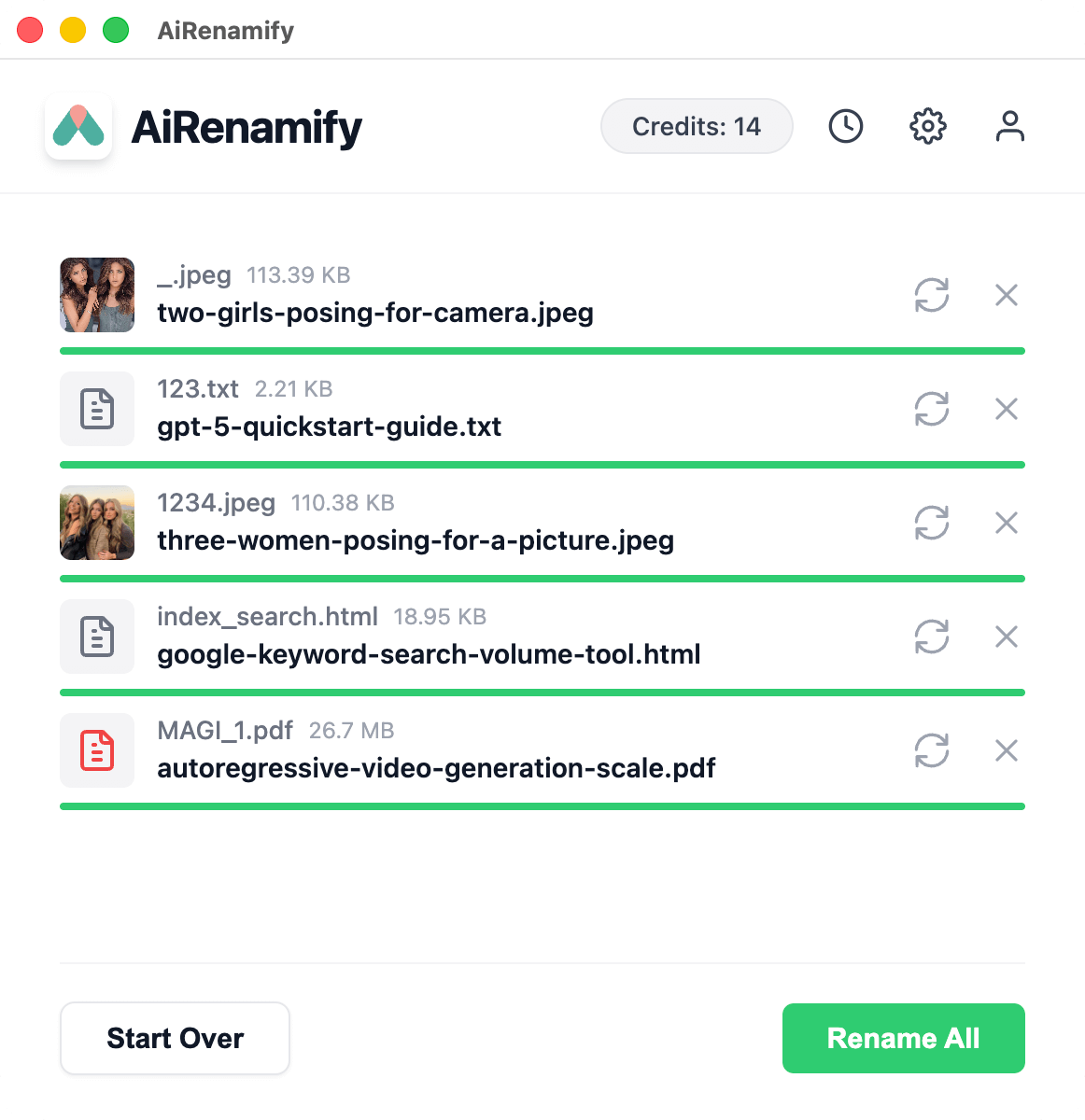
The smartest way to organize files. AiRenamify uses content-aware AI to give every file its true name. Drag, drop, and let AI name your files instantly.
Watch how to batch rename your files in seconds using our powerful Cloud Mode.
Core Features
Everything you need to organize your digital life.
Intelligent Recognition
Uses advanced AI (LLMs and Vision) to "read" and "see"your files. It understands the content of images and documents to generate descriptive, human-readable names automatically.
Privacy & Security
We prioritize your privacy. Your files are transmitted securely via encrypted connections solely for analysis and are immediately discarded. We never store your personal files.
Smart Customization
Full control over your filenames. Configure case styles, set target languages, or add custom instructions like "Always include the primary color" to guide the AI.
Bulk Processing
Rename thousands of files in seconds. AiRenamify handles large queues efficiently, saving you hours of manual work while maintaining high accuracy.
How It Works
Three simple steps to organized files.
1
Drag & Drop
Simply drag your messy files into the AiRenamify window.
2
Choose Model
Select between Cloud models for power models for privacy.
Rename
Watch as AI instantly gives every file a meaningful name.
Simple, Transparent Pricing
Choose the credit package that fits your needs. No hidden fees.
Cloud Mode
200 credits$10
StarterPopularPro
Curated AI Models: Access to a premium, hand-picked selection of AI models.
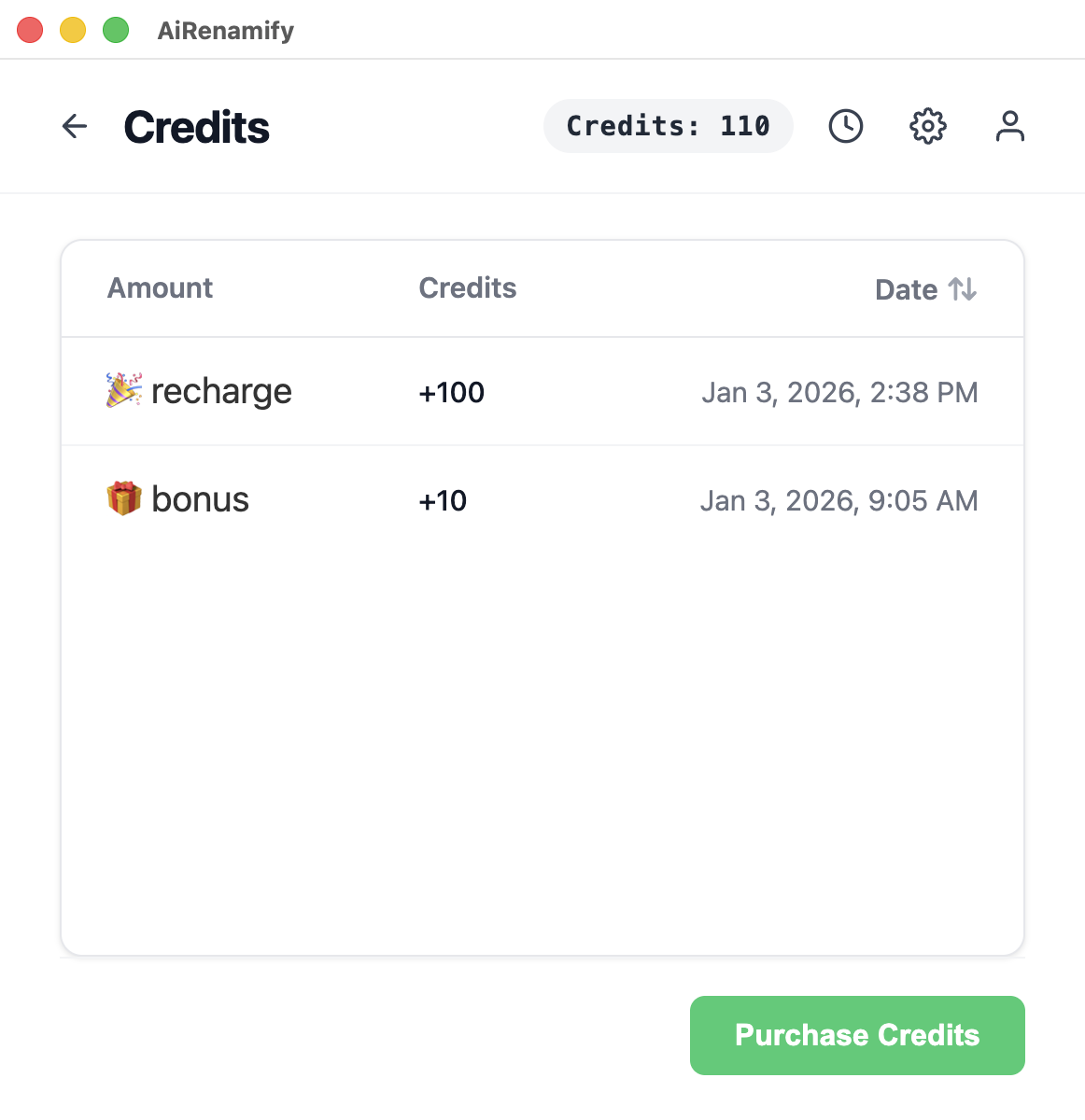
Flexible Credits: Pay-as-you-go (1 credit/rename) with no expiration date.
Secure & Private: Files are processed privately in the cloud to ensure data safety.
Universal Support: Works with all file types (up to 10MB per file).
Purchase Credits
To purchase credits, please download and install the AiRenamify app. You can buy credits directly from within the app.
What makes AiRenamify different from standard batch renamers?
Unlike traditional renamers that use rigid patterns (e.g., IMG_001.jpg), AiRenamify uses advanced Artificial Intelligence (Vision and LLMs) to "see" and "read" your files. It understands the content of an image or a document and generates a descriptive, human-readable name automatically (e.g., sunset-over-paris-eiffel-tower.jpg).
What file formats does AiRenamify support?
We support a wide range of formats:
Images: JPG, PNG, WEBP, GIF, BMP, TIFF, HEIC, and HEIF.
Documents: PDF, Markdown (.md), Plain Text (.txt).
Code & Data: JSON, JS, TS, CSS, HTML, CSV.
Do I need technical skills to use this?
Not at all. AiRenamify is designed for simplicity. Just drag and drop your files, and the AI handles the rest. Advanced settings are available if you need them, but the default "Magic" mode works for everyone.
Which platforms are supported?
AiRenamify is optimized for macOS (Universal build for Intel & Apple Silicon) and Windows (x64).
Is my data safe when using Cloud Mode?
Yes. We prioritize your privacy. Your files are transmitted securely via encrypted connections solely for the purpose of analysis. They are processed by the AI and immediately discarded. We do not store your personal files on our servers.
Does Local Mode cost any credits?
No. Local Mode is completely free to use as it utilizes your own hardware resources.
Can I customize how the files are named?
Absolutely. In the Settings menu, you can configure:
Case Style: Kebab-case, Snake_case, CamelCase, PascalCase, or Title Case.
Language: Have files renamed in English, Spanish, French, Chinese, etc.
Max Length: Limit filenames to a specific character count.
Can I give the AI specific instructions?
Yes! You can add Custom Instructions in the settings. For example, you can tell the AI: "Always include the primary color in the filename" or "Start every filename with 'Project-Alpha-'".
Does it support bulk renaming?
Yes. You can drag and drop hundreds of files at once. AiRenamify will process them in a queue to ensure stability and respect API rate limits.
Can I modify the suggested name before applying it?
Currently, AiRenamify applies the best AI suggestion automatically. However, you can review the new names in the list. If you are not satisfied, you can simply remove the file from the list or rename it again with different instructions.
How does the "Image Model" selection affect results?
Different models have different strengths:
Llava 13b: Excellent balance of speed and description accuracy (Default).
GPT-4o: State-of-the-art reasoning, best for complex scenes or reading text within images.
Llama 4 Scout: Great for general object detection.
How does the Credit system work?
Processing files in Cloud Mode consumes Credits to cover the cost of high-end GPU servers. Typically, 1 image or document analysis = 1 Credit.
Do you offer a free trial?
Yes! New users receive a welcome package of free credits to test the capabilities of our Cloud models.
Why is the processing speed slower for some files?
High-resolution images or large PDF documents require more processing power. Additionally, models like GPT-4o provide deeper analysis but may take slightly longer than lighter models like GPT-5 Nano.
Why does the app say "Thinking..."?
This means the AI is currently analyzing the file content. This process typically takes 2-5 seconds per file depending on the complexity and your internet speed.
Latest Updates
We're constantly improving. Here's what's new in v1.1.0.
v1.1.0
Latest Release
January 12, 2026
New Update System
Get notified instantly when a new version is available.
Better Auth Flow
Smoother login and registration experience.
Improved Payments
Refined Stripe checkout for a more seamless experience.